Gumstack handles deployment automatically—just push your code and your server goes live. No infrastructure to manage, no containers to configure.
Deploy
Every push to main triggers a new deployment. Gumstack builds your server, runs tests, and deploys it to production.
Or deploy manually from the Deployments tab by selecting a commit and clicking Deploy.
View Build Logs
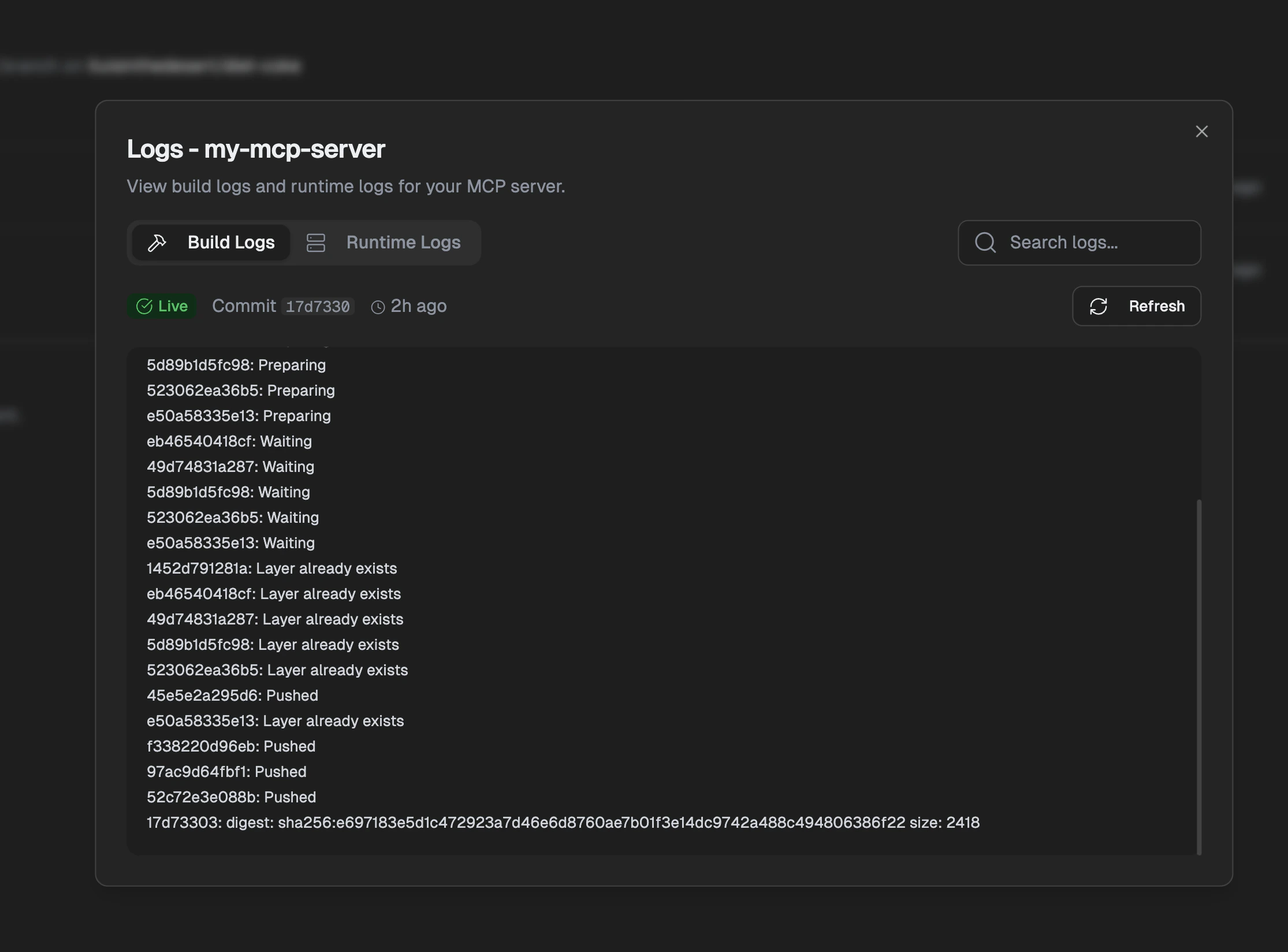
If a deployment fails, build logs are your first stop for debugging. They show the Docker build process and any errors that occurred.
Go to Deployments tab, click on a deployment, then open Logs > Build Logs.
Build logs show Docker image preparation and push progress. Check here if your deployment fails.
View Runtime Logs
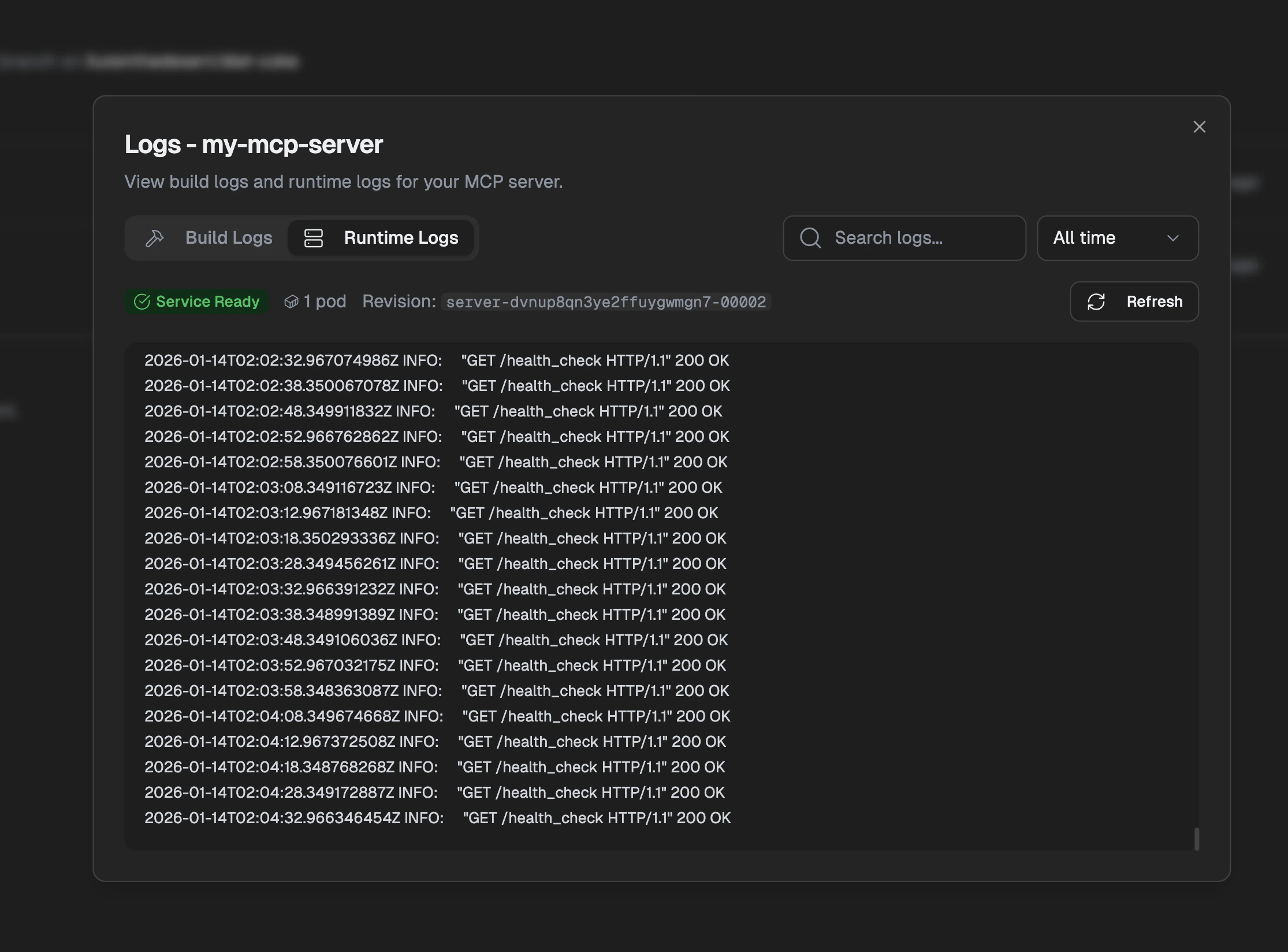
Runtime logs show what your server is doing in production—incoming requests, responses, and any errors your tools throw.
Go to Deployments tab, click Logs > Runtime Logs.
Runtime logs show your server’s output including requests and errors. Use the time filter and search to find specific logs.
Scaling
You don’t need to think about scaling—Gumstack handles it automatically. Your server scales up when traffic increases and scales down when it’s quiet.
Default configuration:
- Auto-scaling: Scales from 0 to handle traffic spikes
- Cold start: ~2-5 seconds when scaling from zero
- Compute: Shared resources suitable for most workloads
For custom scaling limits, dedicated resources, or high-throughput requirements, contact your Gumloop account team.
Environment Variables
Store secrets and configuration in the Gumstack dashboard rather than in your code. These are securely injected into your server at runtime.
Add them under Settings > Environment Variables. Use environment variables for:
- OAuth credentials — Client IDs and secrets for OAuth providers
- Internal API keys — Keys you provide that users don’t need to enter
- Service configuration — URLs, feature flags, thresholds
Never hardcode secrets in your code. Use os.environ.get("CLIENT_SECRET")
instead of CLIENT_SECRET = "sk-...".
Reserved prefixes that will be rejected: - GUMLOOP_* - GUMSTACK_*