

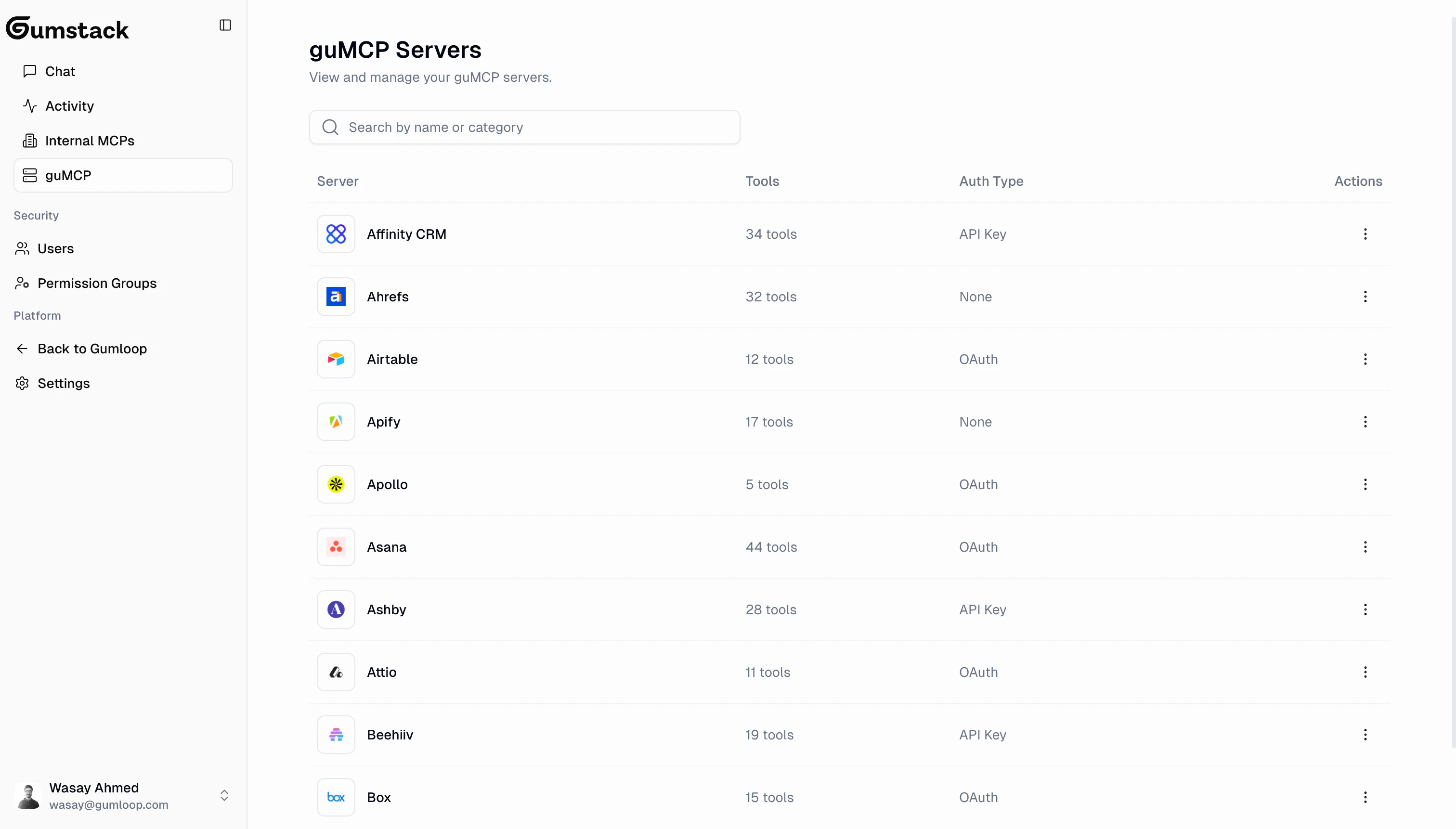
Browsing servers
The guMCP page shows a searchable table of all available integrations. Each server lists its name and category (e.g., CRM, Analytics, Development, Communication). New servers are added regularly. Some servers have credential requirements:- Required credentials: Secrets the user must provide to authenticate (e.g., API key)
- Optional credentials: Additional credentials that unlock extra functionality
Server detail
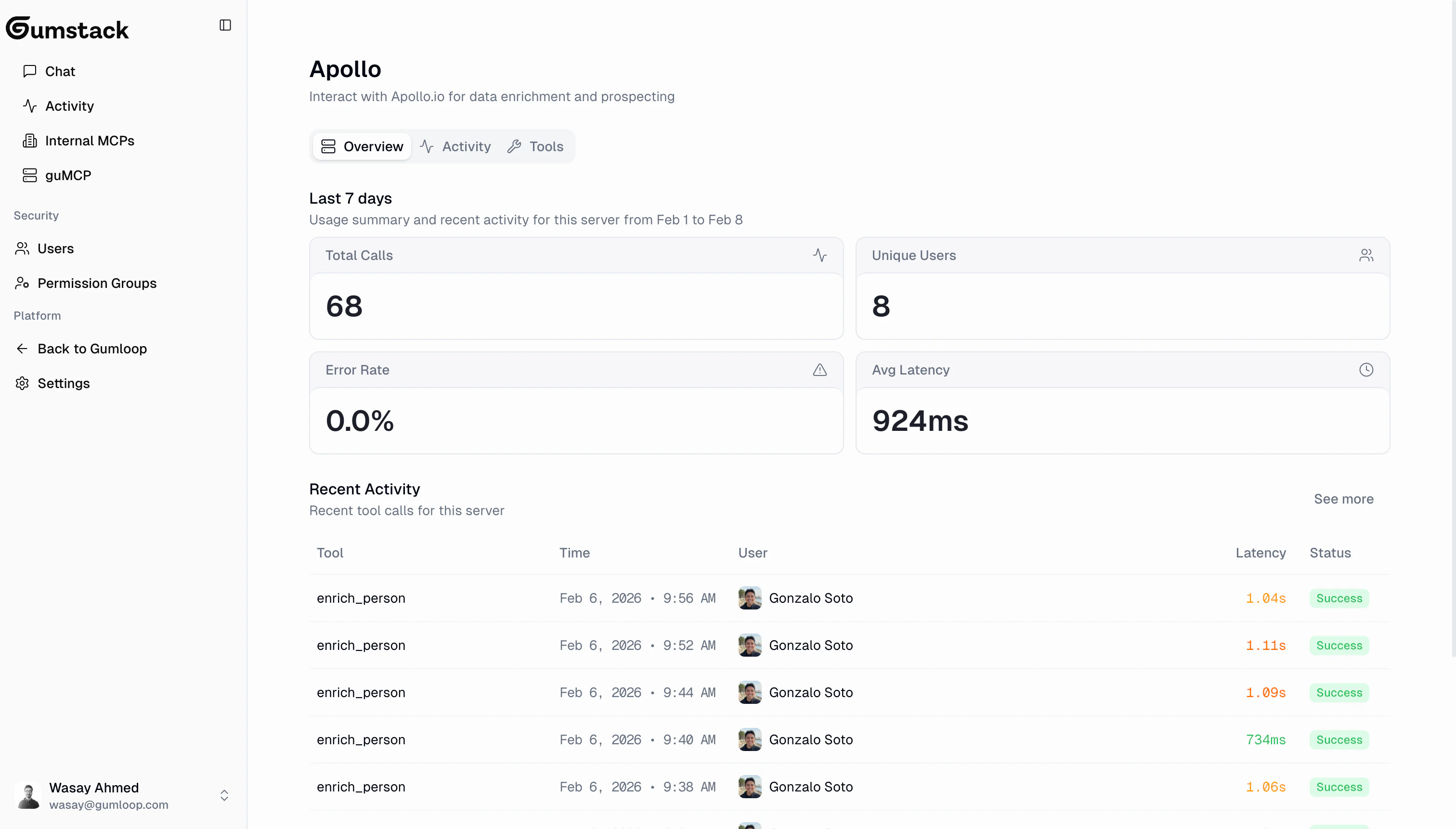
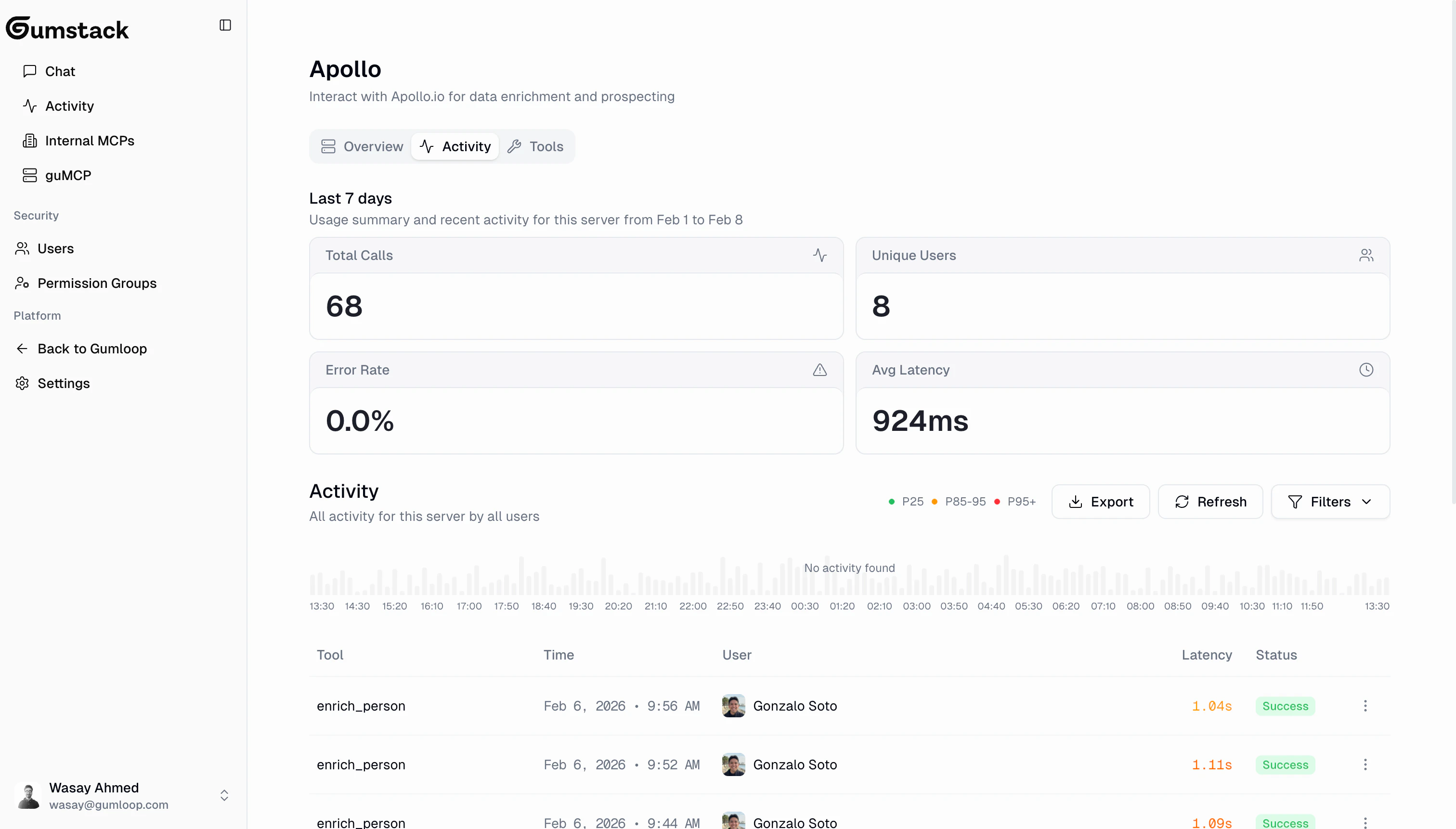
Click any guMCP server to see its detail page with 3 tabs: Overview, Activity, and Tools & Access.guMCP servers don’t have Deployments or Settings tabs since they’re fully managed by Gumloop. You only configure tool-level access for your organization.
Overview
Activity
Tools & Access
Control which permission groups can use which tools on this server.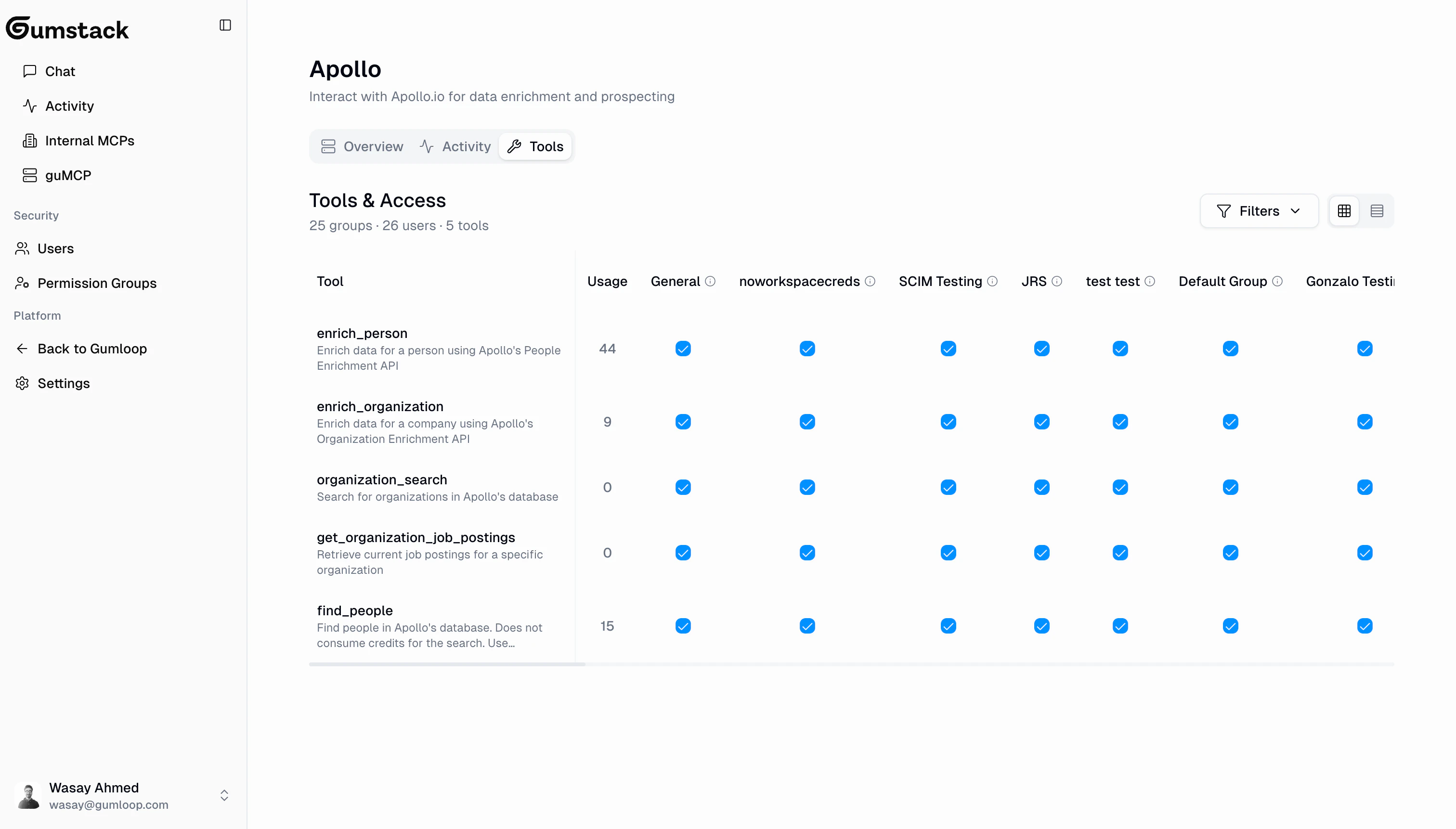
1
Navigate to the server
Find the guMCP server in the list and click to open its detail page.
2
Go to Tools & Access
Click the Tools & Access tab to see the permission matrix.
3
Toggle access and save
Click checkboxes to enable or disable tool access per group. A floating action bar appears with Save Changes and Discard Changes. Click Save to apply.
guMCP vs Internal servers
Related docs
Internal Servers
Build your own custom MCP servers
Permission Groups
Create groups to manage tool access
Activity
Monitor tool usage across all servers
Using in Gumloop
Connect servers to Gumloop workflows