

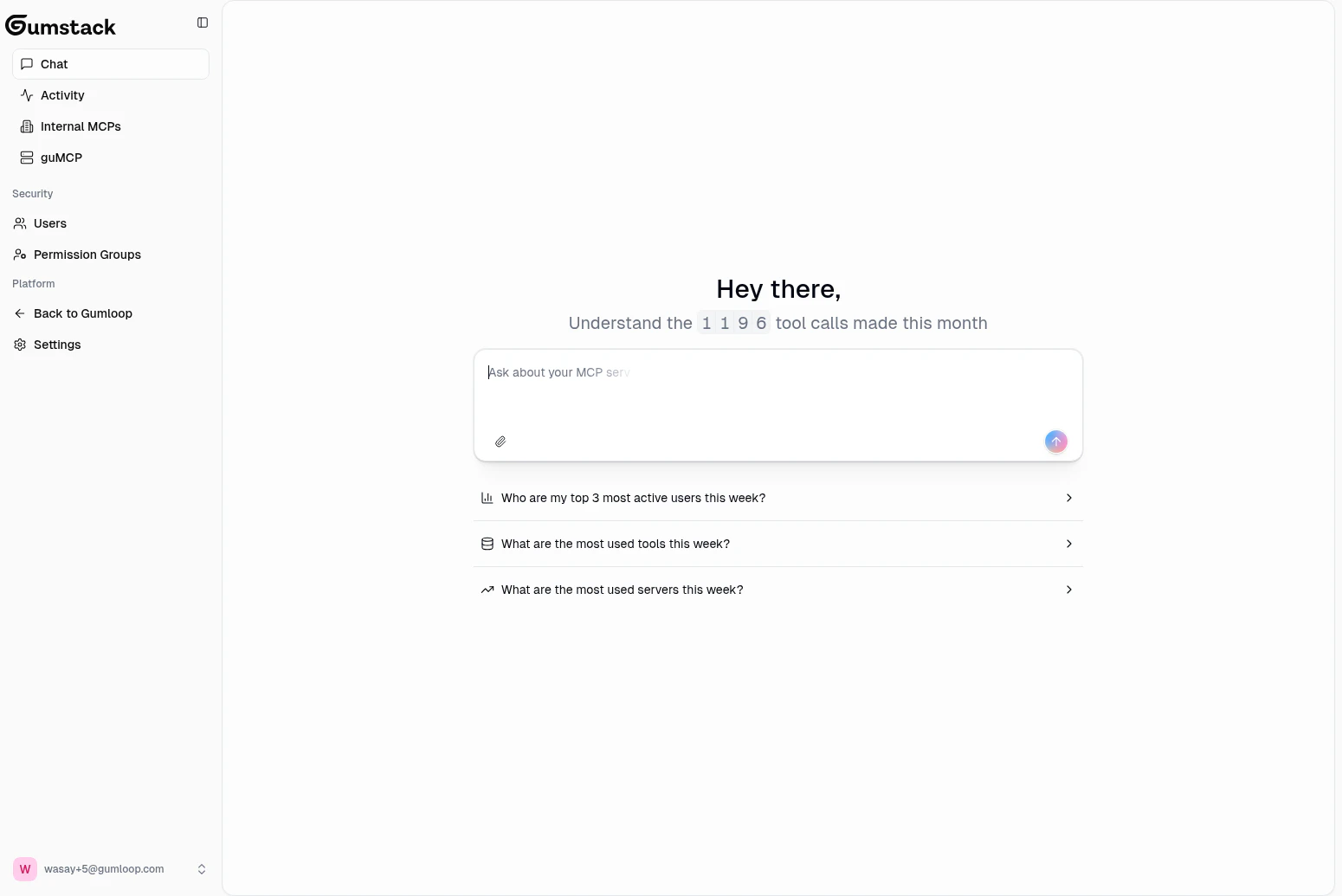
Chat is specifically for querying your organization’s MCP data and analytics. It doesn’t build or configure servers for you.
What you can ask
The assistant has real-time access to your MCP server data, tool call history, and user information.Server questions
Server questions
- “Which MCP servers are currently deployed?”
- “What’s the status of my latest deployment?”
- “How many tools does the [server name] server have?”
- “Show me all servers created this month”
Tool usage and activity
Tool usage and activity
- “What are the most used tools this week?”
- “Show me tool call trends for the last 7 days”
- “Are there any tools with high error rates?”
- “What was the average latency for [tool name] today?”
User questions
User questions
- “Who are my top 3 most active users this week?”
- “How many users are in the Engineering permission group?”
- “Show me users who haven’t used any tools recently”
Troubleshooting
Troubleshooting
- “Show me recent errors or failures”
- “Show me recent permission denied errors”
- “Which tools are failing the most?”
- “Are there any servers with deployment issues?”
How it works
The assistant is powered by Gumloop’s AI agent system, running in a mode specifically designed for Gumstack. It pulls from:- MCP server data: Names, statuses, deployments, tools, and configurations
- Tool call history: Every tool invocation, its inputs/outputs, status, and timing
- User information: Roles, permission groups, and activity
Chats are not saved between sessions. If you navigate away and come back, you’ll start with a fresh conversation.
Availability
Chat requires your organization to have tool call activity in the current month. If no tools have been called yet, the chat input will be disabled and you’ll be prompted to start using MCP tools first.Related docs
Activity & Analytics
Monitor tool calls and usage trends
Internal MCP Servers
Browse and manage your custom MCP servers