
Build failures

Missing config.yaml

Error: config.yaml not found
Create config.yaml in your project root with at least:
name: "your-server"
tools: []

Missing tool declaration

Tool 'my_tool' not found in config.yaml
Add the tool to config.yaml:
tools:
  - name: "my_tool"
    description: "What it does"

Dependency errors

Error: Could not find package 'some-package'
Add the package to pyproject.toml:
uv add some-package
git add pyproject.toml uv.lock
git commit -m "Add dependency"
git push

Build timeout

Builds have a time limit. If your build times out:
  1. Check for large dependencies
  2. Ensure you’re not downloading large files at build time
  3. Contact support if the issue persists

Runtime errors

Tool blocked

Permission denied: Tool 'delete_all' is restricted for your permission group
Your organization admin has restricted this tool. Contact them to request access.

Credentials not found

No credentials found for provider 'linear'
The user hasn’t connected their account. For OAuth providers, they need to authorize via the Gumstack UI.

Invalid token

401 Unauthorized: Invalid or expired token
The request token is invalid. This usually means:
  • User’s session expired
  • Token was revoked
  • Misconfigured MCP client

Viewing logs

Build logs

Go to Deployments tab, click on a deployment, then open Logs > Build Logs.
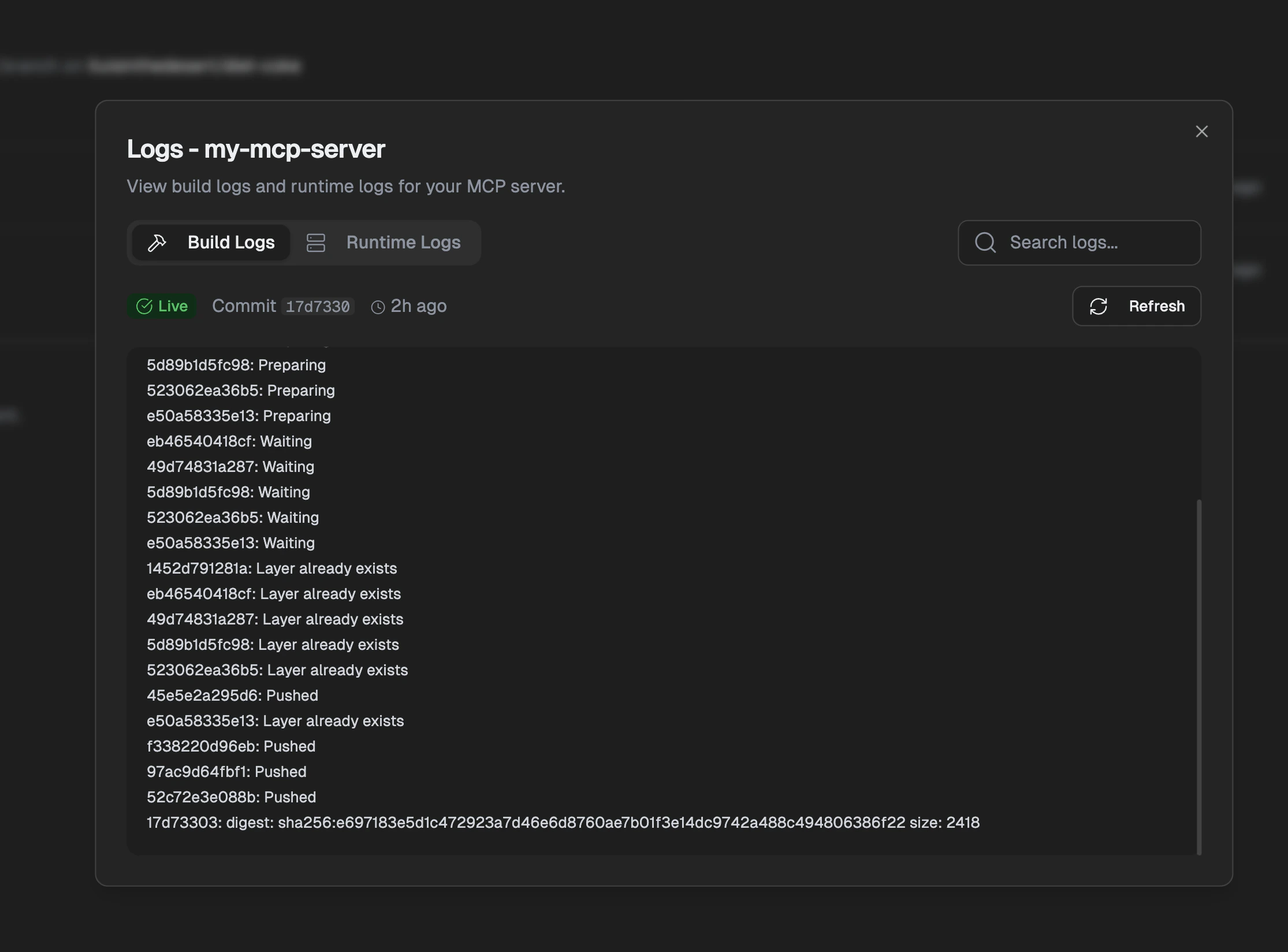
Build logs

Runtime logs

Go to Deployments tab, click Logs > Runtime Logs.
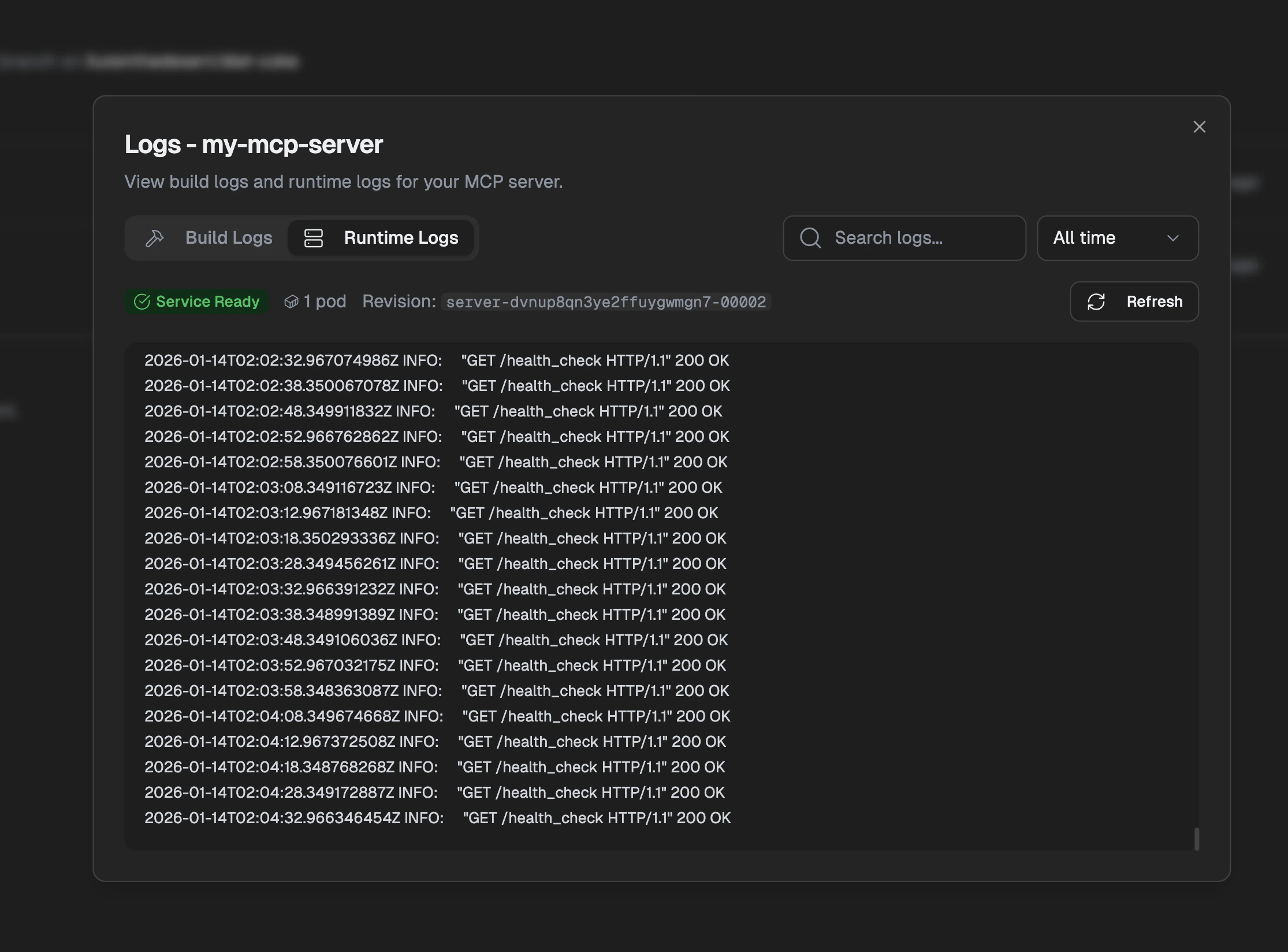
Runtime logs
Use the time filter and search to find specific errors.

Still stuck?

Contact support with:
  • Server ID
  • Deployment ID (if build issue)
  • Error message
  • Steps to reproduce